A classic beer truck for ceramic beer bottles
A classic mid-1900s delivery truck!
Imagine if we could treat beer like they did milk decades ago. Trucks delivered it to people's homes every day, picking up the empties for washing and reuse. People left their doors open and the milkman went right into the house and put the milk, which was in glass bottles, into the fridge!
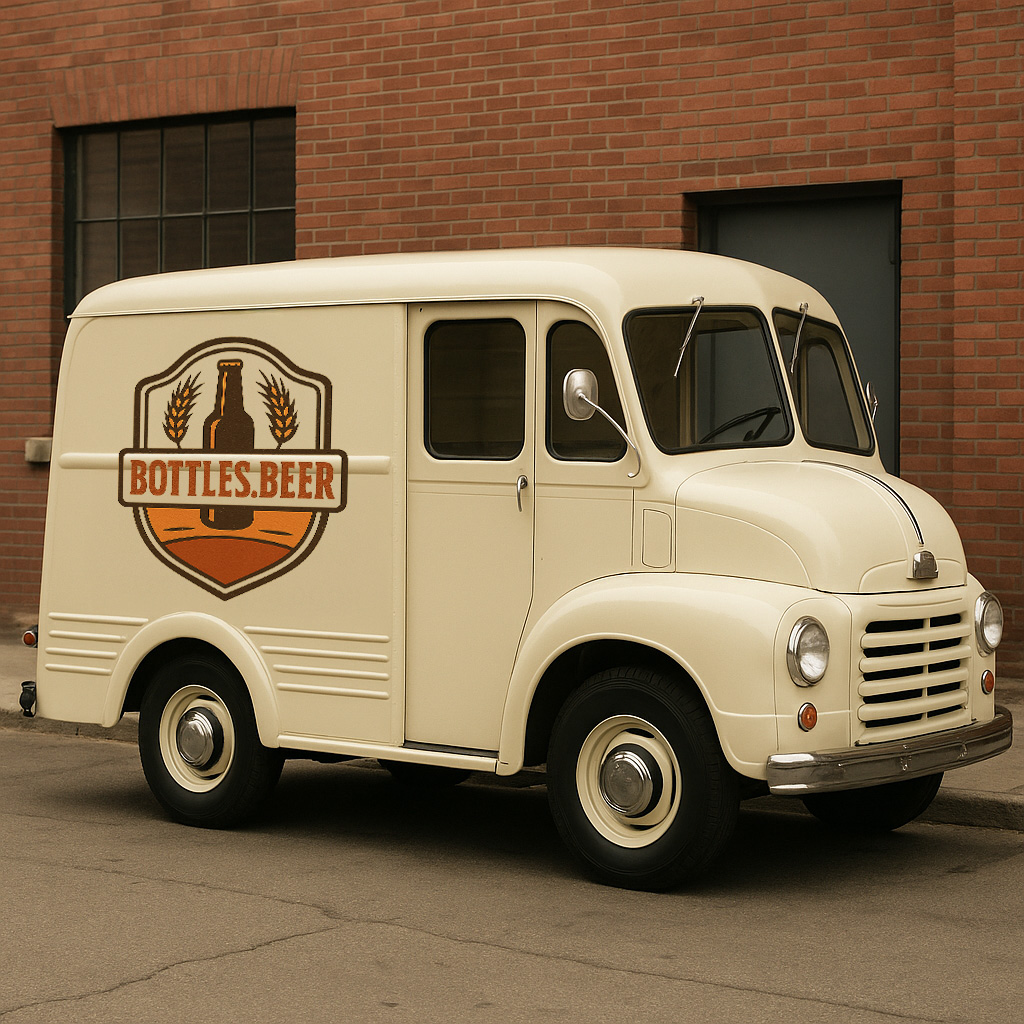
AI generated with a prompt to make a beer truck like an old milk truck AI Policy
Related Pictures
v7 Classic beer bottle mold in OnShape
Make authentic-looking beer bottles that are better than glass
Available on the Downloads page
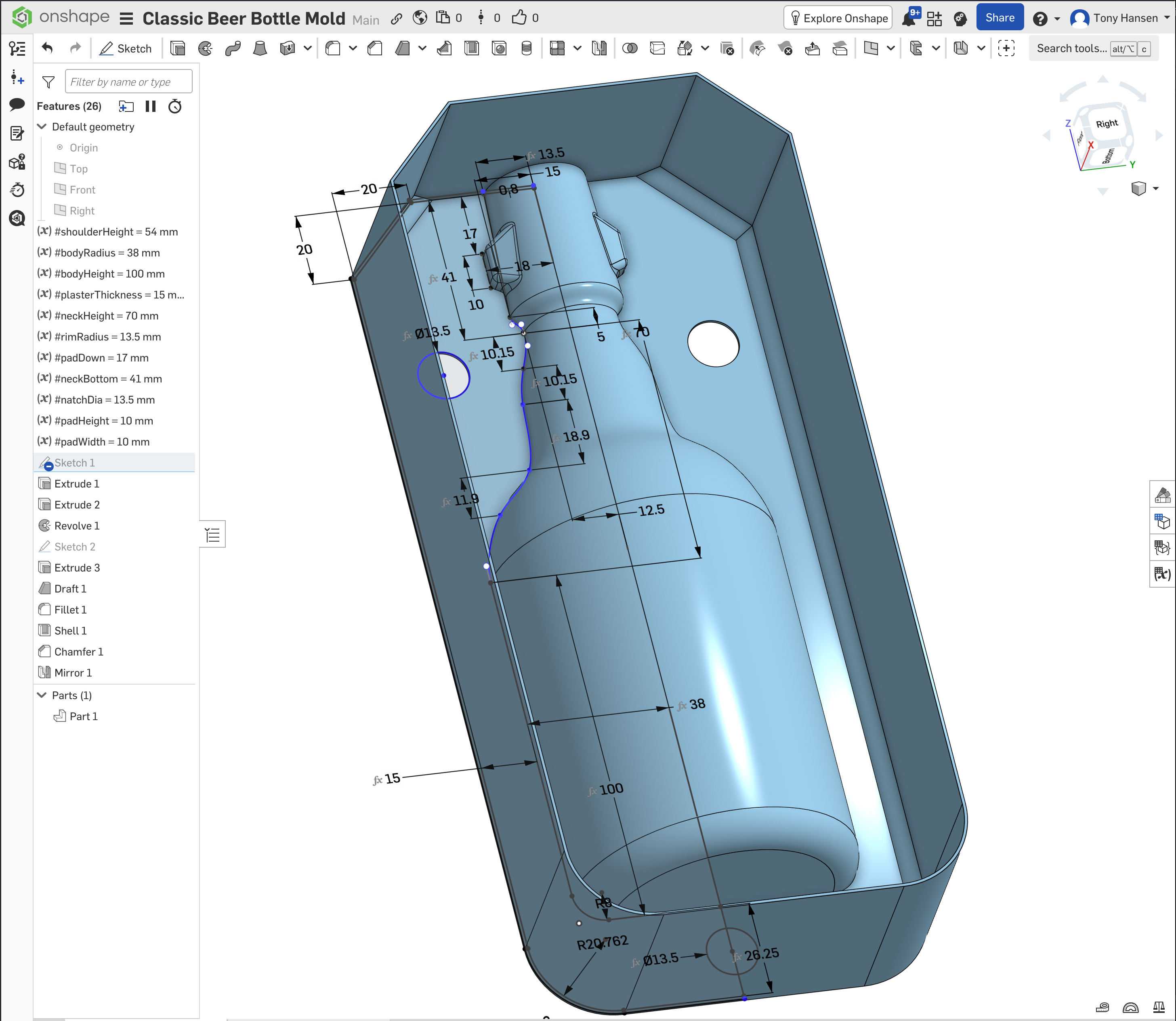
This picture has its own page with more detail, click here to see it.
The slip casting process is so much more accessible than in the past because of 3D printing. Why not start with this? This bottle has all the same dimensions as my v6 (done in Fusion 360). But, because this is done in OnShape, one click here opens it directly in a browser window with all the power of a professional CAD system. If you have a free account there and are logged in, one more right-click can export it in 3MF or STL format for 3D printing. Or a "Copy Workspace" menu choice will move it to your account to enable editing and setting variables, adjusting the shape, etc. This works in your browser, there is no software to install and OnShape is free for hobbyists. This mold works with my pour spouts (no spare is needed) and natch system (no registration keys are needed). So just insert the clips and embeds, pour in plaster, remove the PLA plastic with a heat gun and you have a working mold. When dry, glue in the natches, attach a spout (using slip) and fill the mold with casting slip.
Need a stoneware slip casting recipe? L4768E or L4768H are a good choice. A glaze recipe? How about GA6-B (or similar)? Go full DIY with this, you will never turn back. Need a guided help to make this happen? Sign up for an Insight-live.com group account and we can work together to make this happen for you.
The bottle is more important than the beer!

This picture has its own page with more detail, click here to see it.
What is depicted here doesn't happen with ceramic beer bottles. They do the talking. They talk about how we should be manufacturing our own stuff locally. They remind us that we make beer here so we should also make the bottles. They tell us we should take pride in things we can manufacture ourselves. That we should use local raw materials rather than importing them. Glass bottles are just a container, ceramic bottles elevate beer, they bring sustainability and style to beer drinking. Ceramic bottles bring local craftsmen to your beer experience - potters can make them. Ordinary glass will always be just ordinary glass, but ceramic bottles bring a world of aesthetic possibilities to this basic part of our culture.
 PayPal | No tracking, No ads, No paywall, No transient content! Just organized, concise information constantly updated and improved. Was this helpful? Consider supporting me. |
Got a Question?
Buy me a coffee and we can talk 

https://digitalfire.com, All Rights Reserved
Privacy Policy